
Updated July 8, 2026. Adobe plan names, platform support, promotions, and checkout terms can change, so confirm the live Adobe checkout before buying.
Quick answer
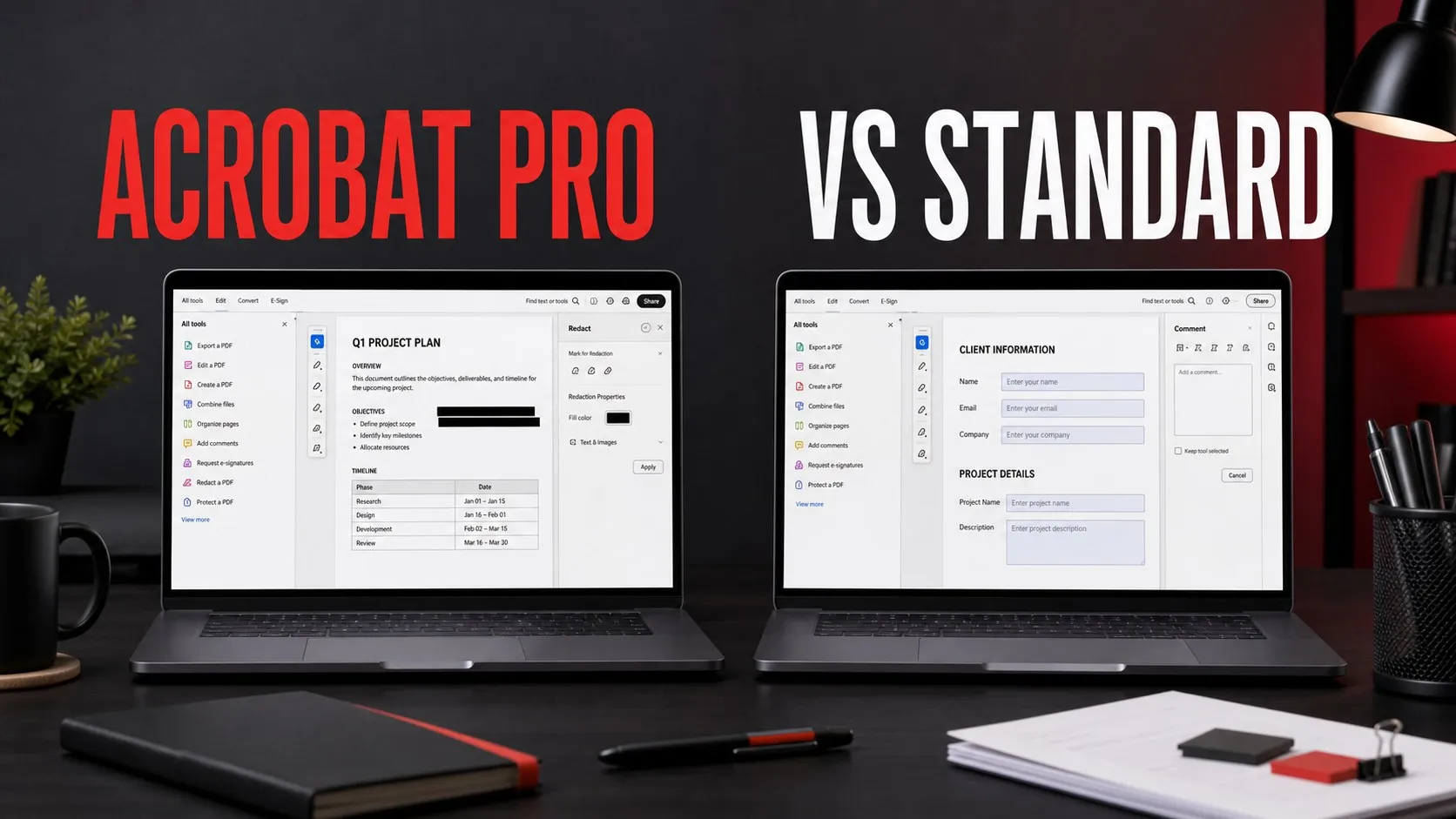
Choose Acrobat Standard if you mainly need everyday PDF editing on Windows. It fits common office workflows: editing text and images in PDFs, combining files, exporting to Office formats, requesting signatures, and basic form/document cleanup.
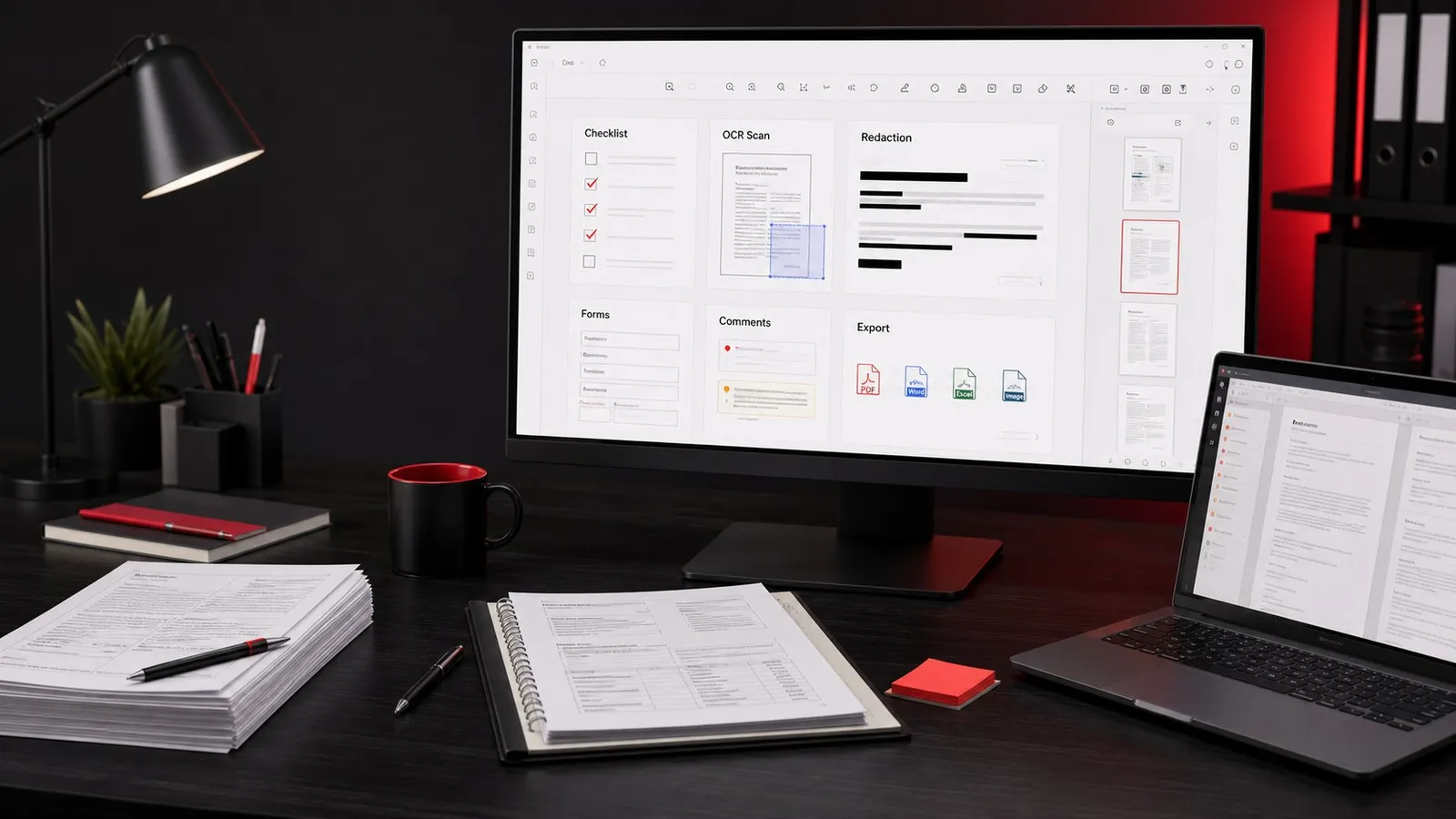
Choose Acrobat Pro if PDFs are part of professional delivery, compliance, production, or cross-platform work. Pro is the safer path when you need Mac support, redaction, OCR and scan cleanup, advanced compare/accessibility/preflight style workflows, richer forms, or a PDF tool that needs to cover edge cases reliably.
For current availability and checkout terms, compare current Adobe Acrobat plans.
Affiliate disclosure: This page may include affiliate links. I may earn a commission if you buy through them, at no extra cost to you.
Adobe Acrobat Pro Vs Standard: Main Difference
The practical difference is not only a feature checklist. Acrobat Standard is the simpler paid Acrobat path for everyday PDF work. Acrobat Pro is the broader professional PDF tool, especially when you need Mac support, OCR-heavy scans, redaction, accessibility checks, compare workflows, or production/client delivery where PDF mistakes are expensive.
For many individual users, the question is: Do I just need to clean up and send PDFs, or do I need to control PDFs as deliverables? If the answer is the first one, Standard may be enough. If the answer is the second one, compare Pro first.
Best next step
Check the live Acrobat plan table
Adobe's plan names, included features, trial terms, and regional availability can change. Use this guide to decide what to compare, then verify the current checkout before subscribing.
Compare current Acrobat plansAcrobat Standard Vs Pro Feature Comparison
| Need | Acrobat Standard | Acrobat Pro |
|---|---|---|
| Read, comment, and sign PDFs | Yes, beyond free Reader features when you need paid editing/export tools. | Yes, plus the broader professional toolset. |
| Edit PDF text/images and combine files | Good fit for common office edits and file assembly. | Good fit, with more advanced production and review tools. |
| Mac support | Check current Adobe availability; Standard has historically been Windows-focused. | Usually the safer Acrobat choice for Mac-based creators and businesses. |
| OCR and scanned document cleanup | Fine for lighter needs if included in your current plan. | Better first comparison point for scan-heavy and searchable-archive workflows. |
| Redaction and sensitive documents | Not the plan I would choose for sensitive redaction workflows. | Choose Pro for serious redaction/compliance style work. |
| Accessibility, compare, preflight, and advanced review | May be more limited depending on current plan terms. | Better fit for professional PDF delivery and review. |
| Best user | Windows office users with routine PDF edits. | Creators, agencies, legal/admin teams, production teams, and anyone delivering polished PDFs. |
Related: if you are still deciding whether paid Acrobat is worth it at all, start with the Adobe Acrobat price guide. If you are new to the product, read what Acrobat Pro is used for.
When Acrobat Standard Is Enough
Acrobat Standard makes sense when PDF work is real but not mission-critical. Examples include editing existing PDF text, combining a few documents, exporting a PDF into Word or Excel, requesting signatures, adding comments, and preparing routine office documents.
It is also a reasonable comparison point for Windows users who do not need the deeper compliance, scan, accessibility, preflight, or production features that typically push people toward Pro.
- Small office admin: invoices, forms, one-off edits, and signature requests.
- Light business PDFs: combine files, correct typos, and export Office documents.
- Windows-first users: compare Standard if your entire workflow is on Windows.
When Acrobat Pro Is The Better Choice
Acrobat Pro is the safer choice when your PDF workflow has consequences. If you deliver client documents, production paperwork, proposals, legal files, manuals, signed forms, or sensitive documents, the extra professional controls are usually the point of the subscription.
For my own creator and production workflows, I would compare Pro first when PDFs need to be edited, cleaned up, signed, secured, archived, or sent to clients without embarrassing mistakes.
- Redaction: use Pro when private information needs to be removed properly.
- Scans and OCR: use Pro when scanned PDFs need to become searchable or reusable.
- Client delivery: use Pro when polished PDFs are part of proposals, reviews, or handoffs.
- Mac workflows: use Pro as the first comparison point if you work on macOS.
Professional PDF path
Compare Acrobat Pro directly
If you already know you need redaction, OCR, Mac support, or professional delivery controls, skip straight to the Pro plan details and current checkout terms.
Check current Acrobat Pro offerWhat If You Already Have Creative Cloud?
Creative Cloud can change the decision. Some Adobe bundles include Acrobat Pro or make it easier to justify as part of a broader app stack. If you already pay for Photoshop, Illustrator, InDesign, Premiere Pro, After Effects, Audition, or other Adobe apps, compare the cost and app coverage of Creative Cloud before adding Acrobat separately.
The key is to avoid paying twice. Check your current Adobe account first, then compare the current Creative Cloud plan options against a standalone Acrobat subscription.
Official Sources Checked
Use Adobe's official pages for current plan names, checkout terms, feature availability, system requirements, and product changes. Commercial Adobe links on this page route through affiliate tracking where available.
- Adobe Acrobat plans and pricing
- Adobe Acrobat Pro
- Adobe Creative Cloud plans
- Acrobat system requirements
- What's new in Acrobat
FAQ
Is Acrobat Pro better than Standard?
Acrobat Pro is better if you need Mac support, redaction, OCR-heavy scan workflows, advanced review tools, accessibility/preflight style checks, or professional PDF delivery. Acrobat Standard can be enough for routine Windows office PDF edits.
Do I need Acrobat Pro to edit PDFs?
Not always. Acrobat Standard can handle many common PDF editing tasks. Acrobat Pro is the better comparison point when editing is only one part of a larger professional PDF workflow.
Is Acrobat Standard available on Mac?
Check Adobe's current plan table before buying. If you work on macOS and want the least risky Acrobat choice, compare Acrobat Pro first.
Is Acrobat included with Creative Cloud?
It depends on the current Creative Cloud plan and region. Before buying Acrobat separately, check your Adobe account and compare the live Creative Cloud plan table.

About the Author
Joseph Nilo has been working professionally in all aspects of audio and video production for over twenty years. His day-to-day work finds him working as a video editor, 2D and 3D motion graphics designer, voiceover artist and audio engineer, and colorist for corporate projects and feature films.